

Industries
One core. Many Industry Packs.
One technology core, configured into Industry Packs.
Discuss a digitization challengeOne core, configured per industry
One record, five layers of configuration.
Configuration 1/5
Schema
Item codes, unit codes and field formats agree across every source.
Configuration 2/5
Business rules
Changes are linked over time, checked against the map, and conflicts between sources are resolved.
Configuration 3/5
Quality criteria
Every record gets one clear status: Pass, Needs review or Source error.
Configuration 4/5
Security
Access rights and conditions differ by document and travel with that document.
Configuration 5/5
Acceptance
Results are checked on the agreed sample set, then archived and opened for search.
5 configurations, one Industry Pack.
Current focus · Land & Cadastral
One plot, recorded again and again.
Our most mature Industry Pack, measured on real data.
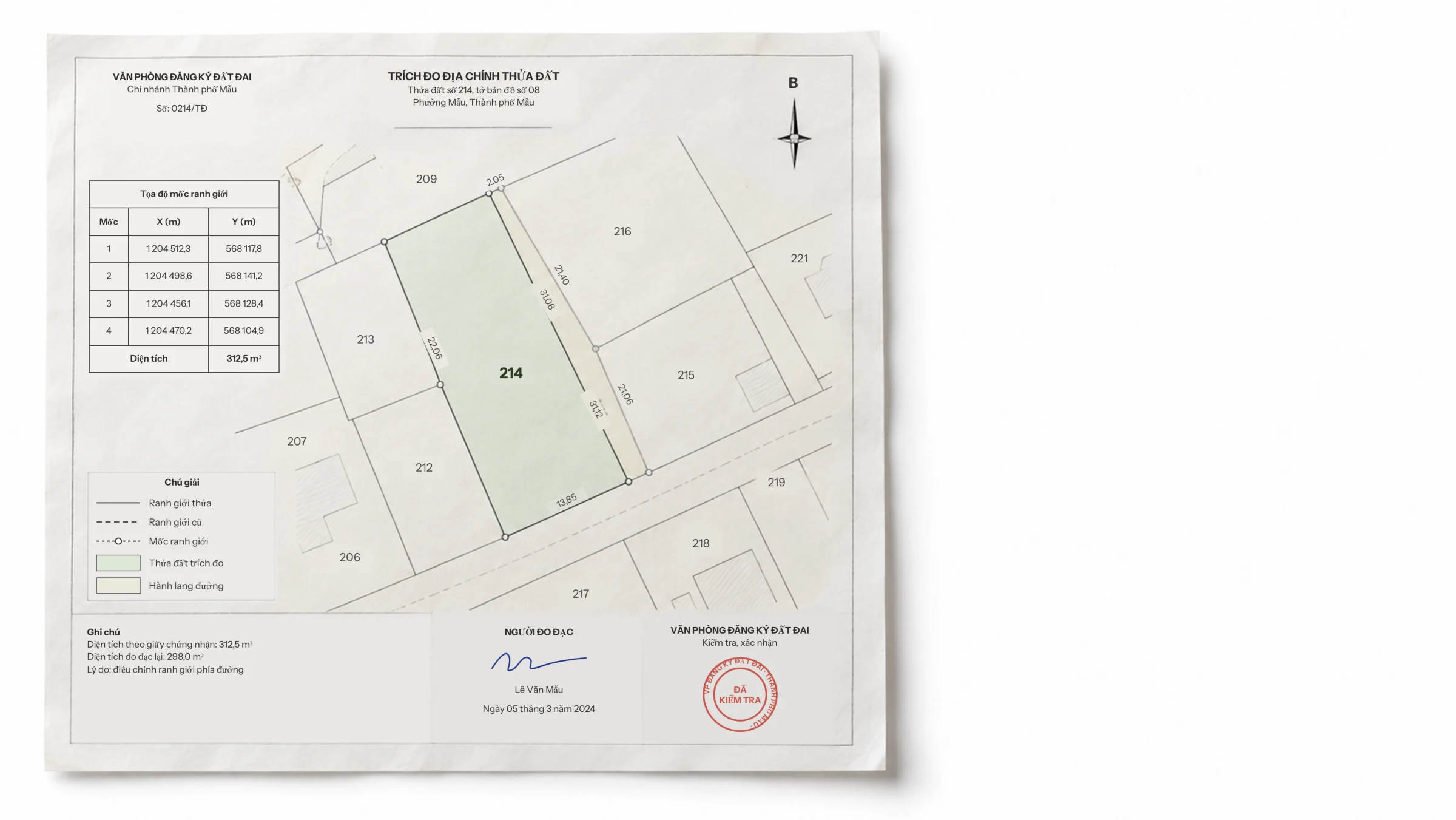
Plot 214 · Sheet 08
A surveyed boundary
Four markers, four sides and one area on a single sheet.
Marker coordinates
One coordinate pair per marker
The coordinate table is read and checked against the map.
Change note
312.5 m² became 298.0 m²
The resurvey is linked into the plot's history.
Expansion priorities
Three industries next, three kinds of record.
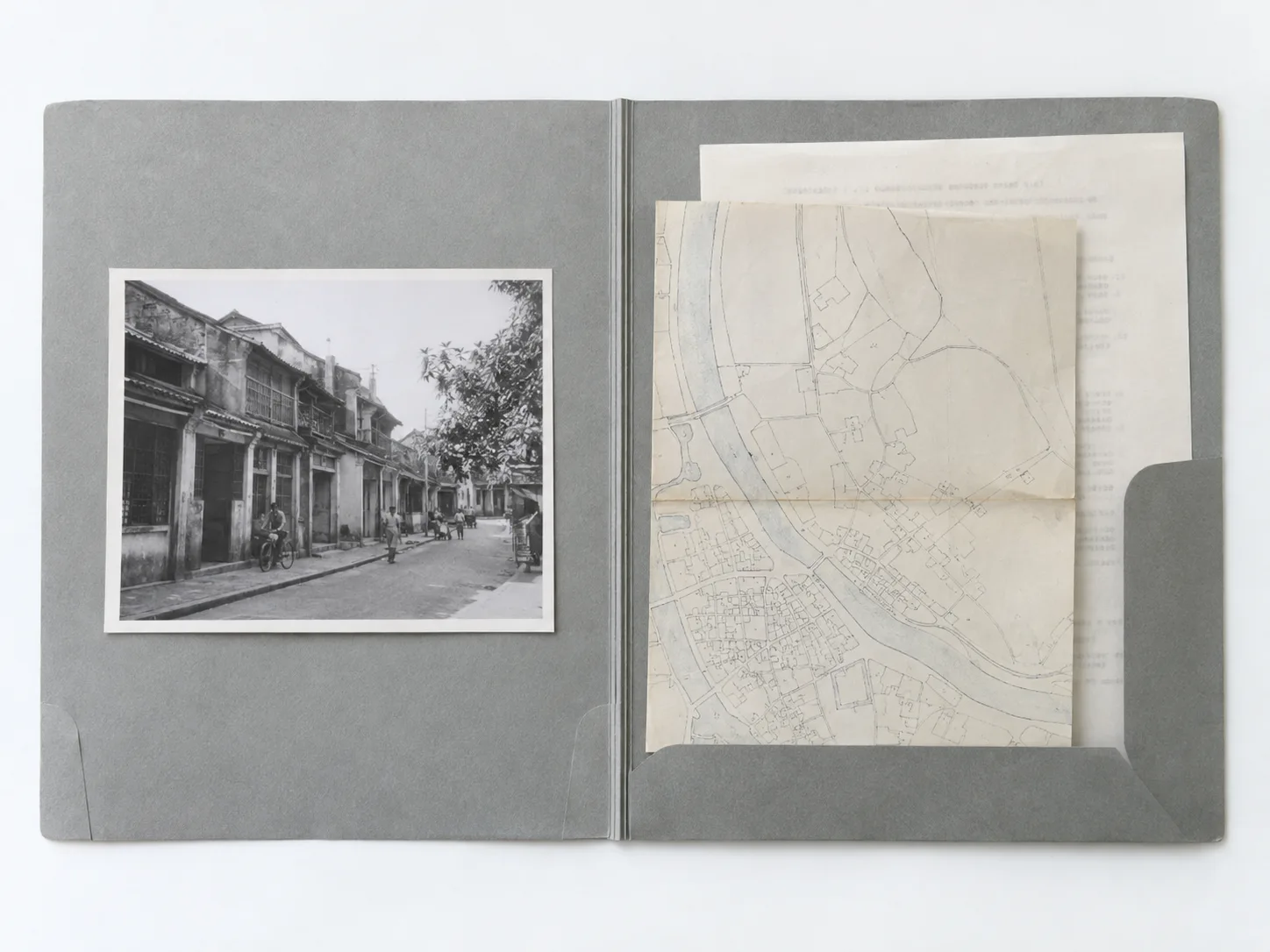
Archives
Expansion priority · 1/3 · Archives
One file, many kinds of document
Paper files, photos, maps and digital files arrive in very different condition.
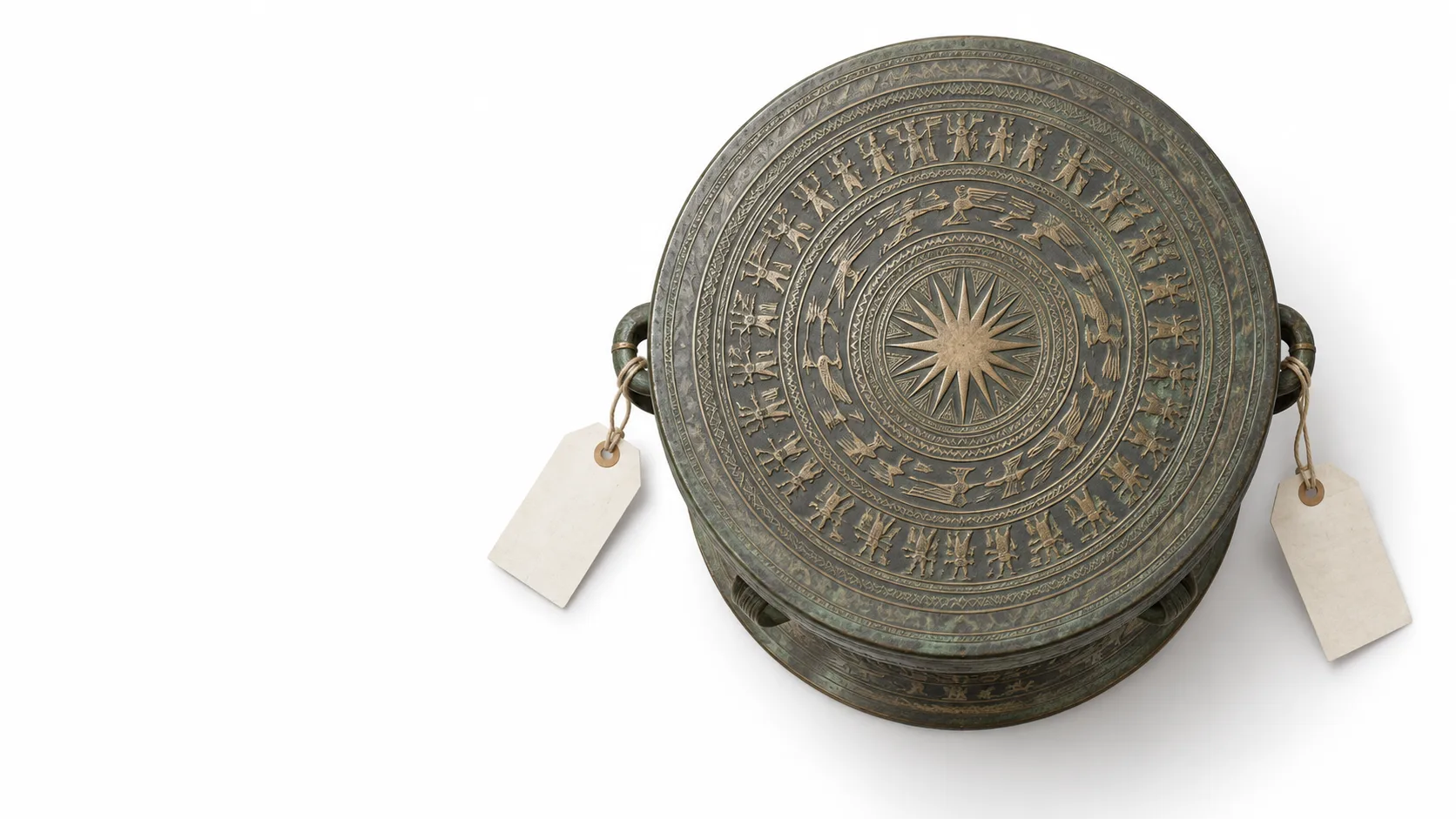
Heritage
Expansion priority · 2/3 · Heritage conservation
One artefact, many names
The same artefact can appear in several sources under different names.
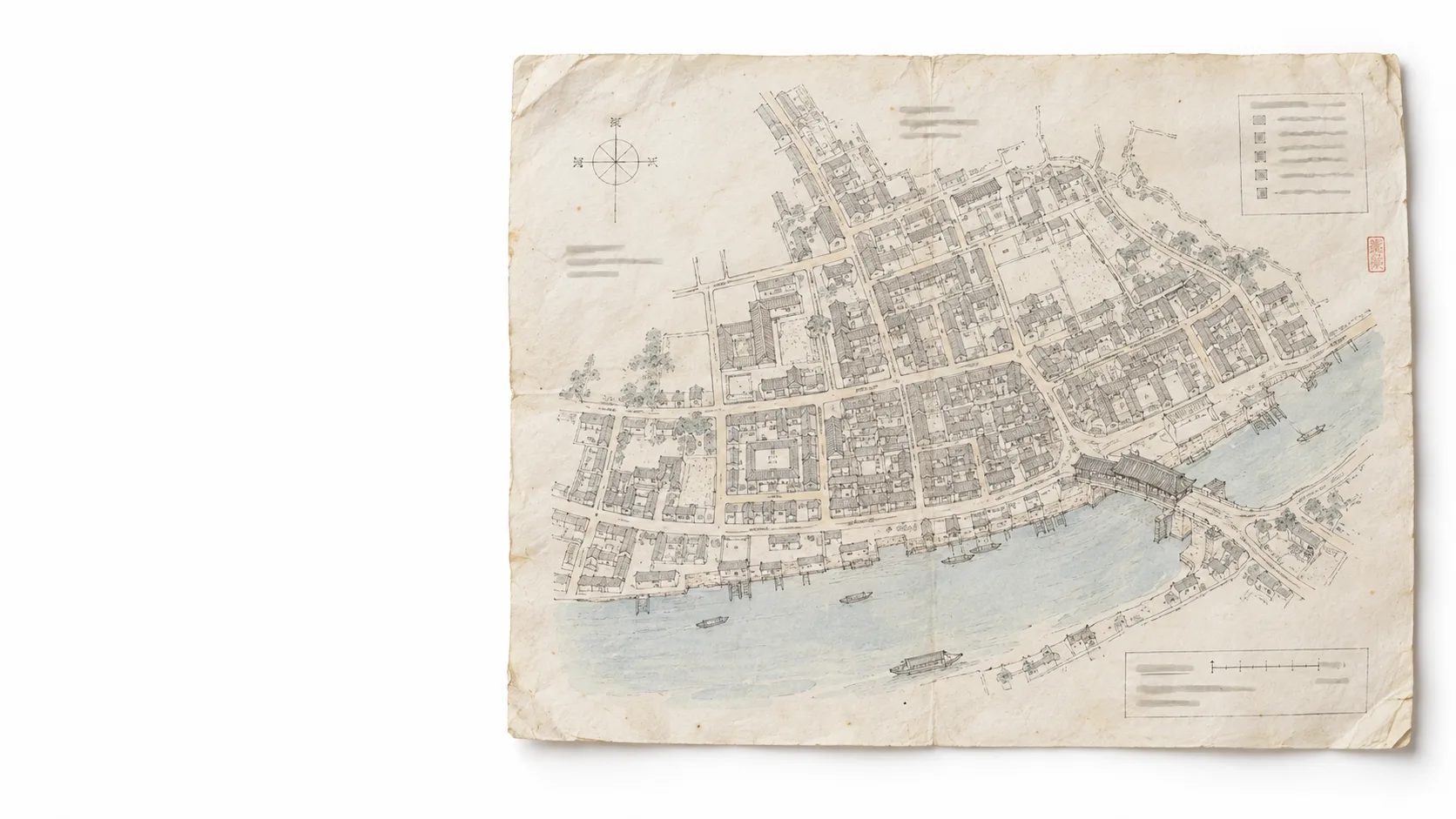
Tourism
Expansion priority · 3/3 · Tourism
One place, many names
A place or service appears under different names in different sources.
New packs
Customs and tax: every figure has a source.
New pack · 1/2 · Customs
Commercial invoice
Each field on the declaration is checked against the invoice it came from.
New pack · 2/2 · Tax
Reconciling invoices, returns and ledgers
Differences between sources are found and shown clearly for an officer to review.
Waiting for a pilot project
Other fields
Further Industry Packs, designed for configuration until a project validates them.

How to start
Four steps, on one sample set.
Step 1/4
Start with one representative dataset
Choose one representative dataset from your domain. For a new pack, the first project is what validates it.
Step 2/4
Standardize the data
Item codes, unit codes and field formats agree across every source.
Step 3/4
Extract and cross-check
Fields are extracted from the records, checked against their source, and the source is kept.
Step 4/4
Accept, then scale
Results are checked on the agreed sample set before any wider rollout.
Get started
From one sample set to the whole record store.

Bring the record store of your industry.
Start with one representative dataset from your domain. We configure the Industry Pack, then validate it before scaling.